


OpenCV
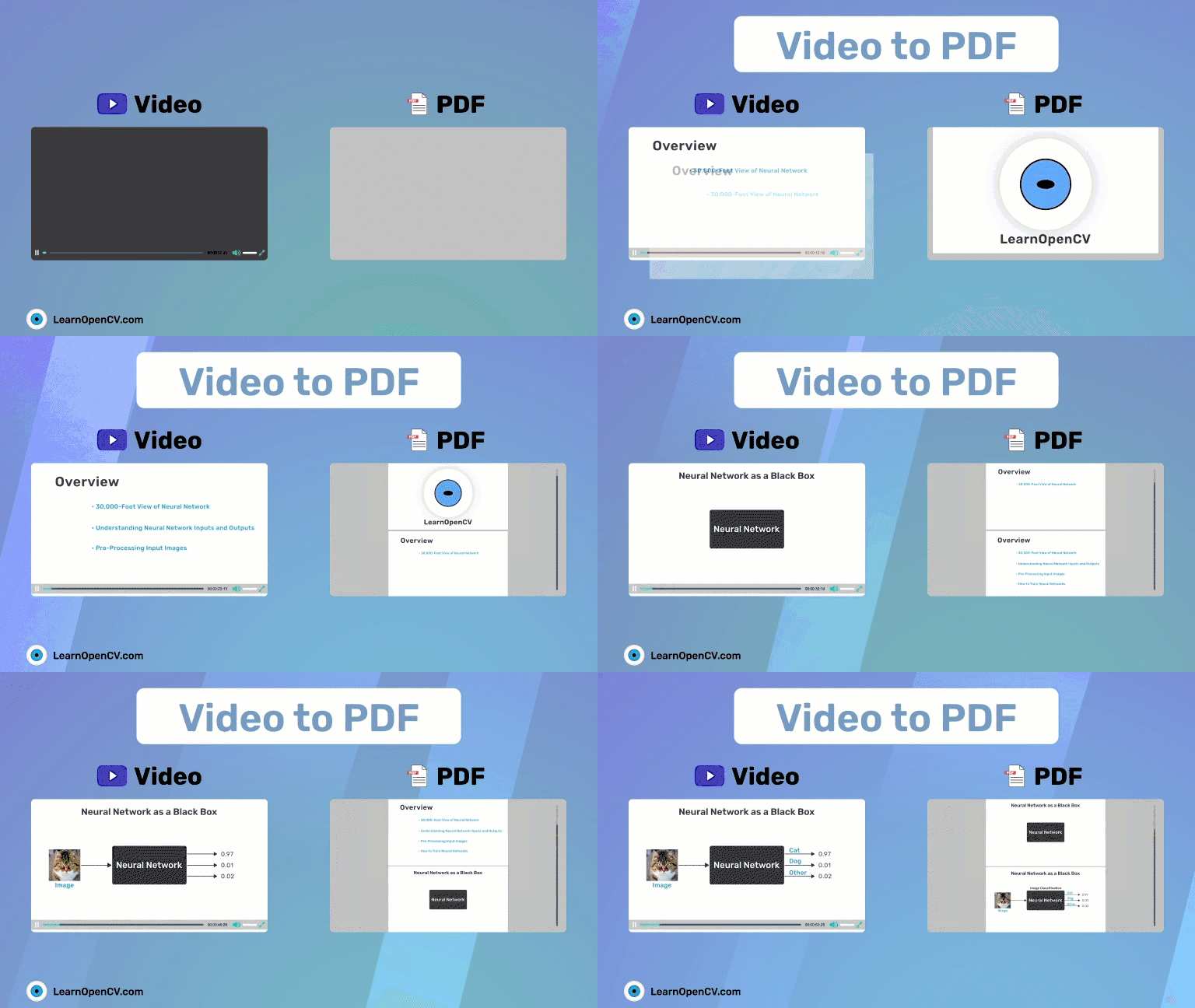
This blog post will aim to build a simple video to slides converter application to obtain slide images given slide or lecture videos using basic frame differencing and background subtraction

In this blog post we explore the question of whether facial recognition technology can work on AI generated faces as well as it does on real ones We test OpenCV
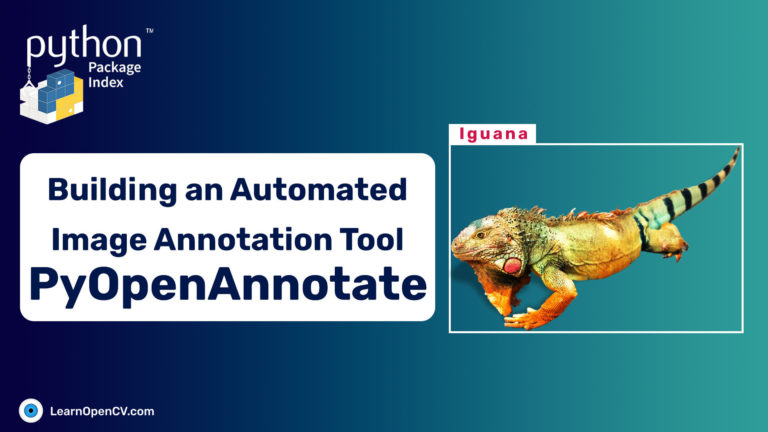
PyOpenAnnotate is an automated annotation tool built using OpenCV It is a simple tool that is designed to help users label and annotate images and videos using computer vision techniques
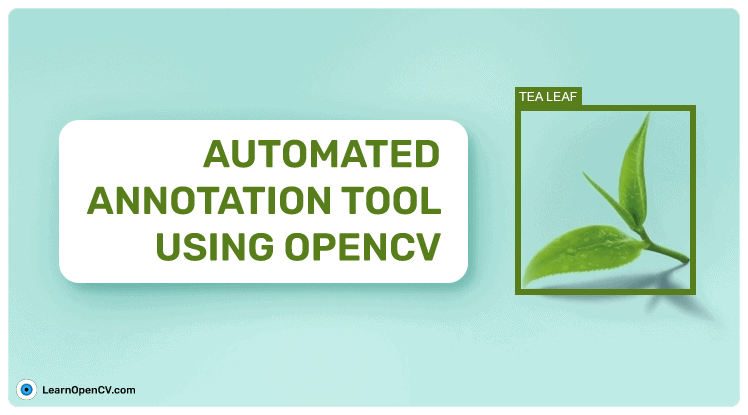
Building an automated image annotation tool using basic OpenCV algorithms Colorspace thresholding and contour analysis Annotate single class objects easily
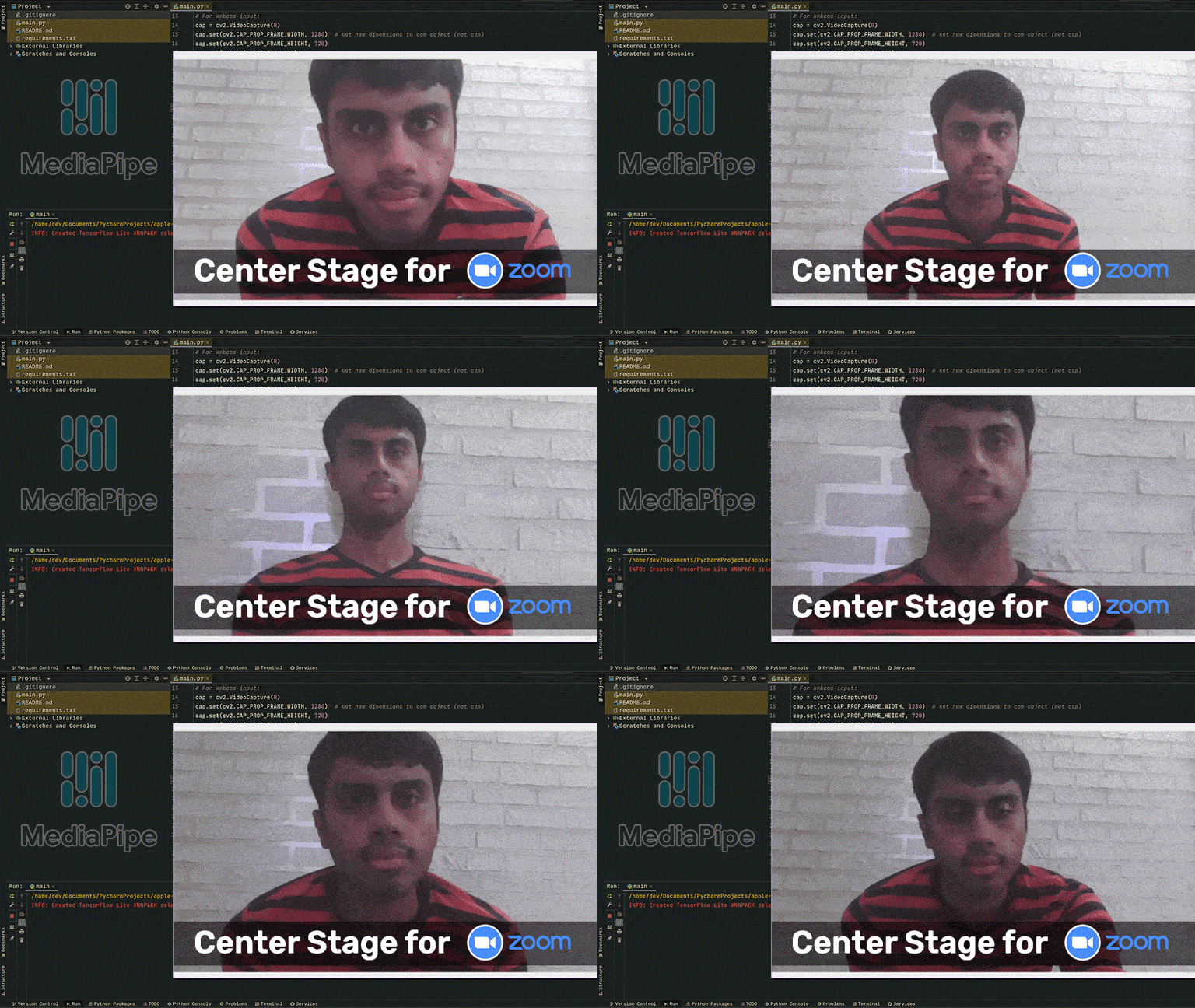
Center Stage uses wide angle camera and custom object detection to track the person in the frame and make necessary adjustments with change in distance from the camera In this
In this post we will use MediaPipe to track hand gestures and convert them to appropriate actions like zooming in blurring the background and switching the camera on or off

